
VIOFO BTR200 Bluetooth Remote
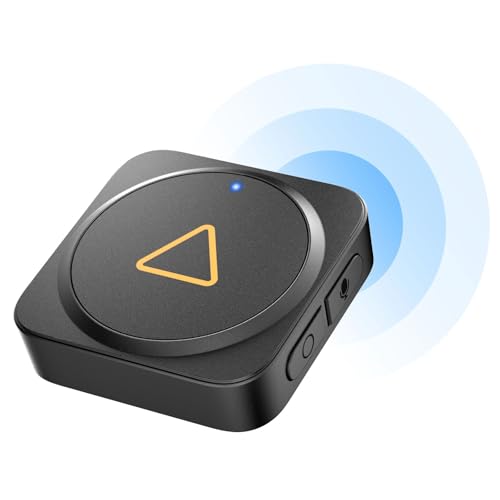
VIOFO BTR200 Bluetooth Remote
Compatible VIOFO models
VIOFO says it works with most VIOFO cameras that have Wi-Fi; the custom side buttons work on the A229 Pro, A229 Plus, VS1, A139 and A139 Pro.
Quick specs
- Lock important clips with one press — without taking your eyes off the road.
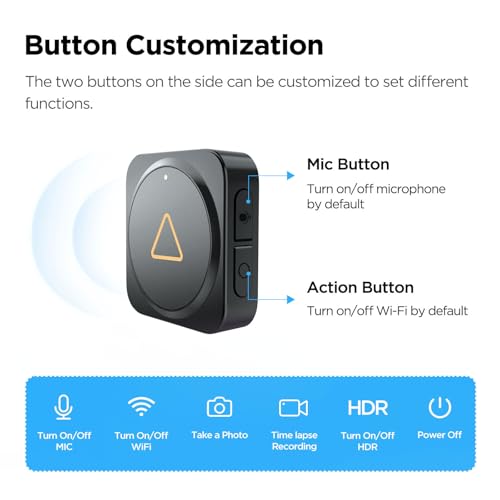
- Two customisable side buttons — for mic, Wi-Fi or HDR on the A229 Pro, A229 Plus, VS1, A139 and A139 Pro.
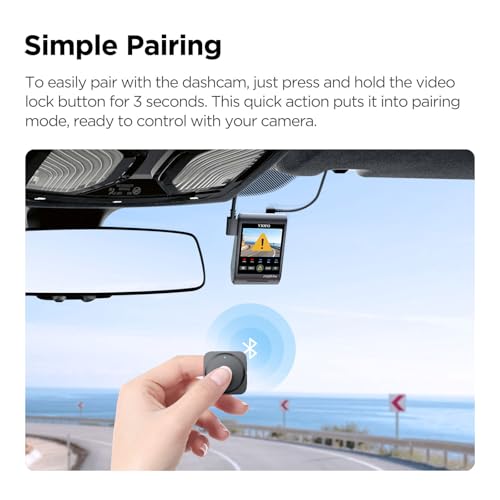
- Simple pairing — hold the lock button for 3 seconds; the LED turns blue when paired.
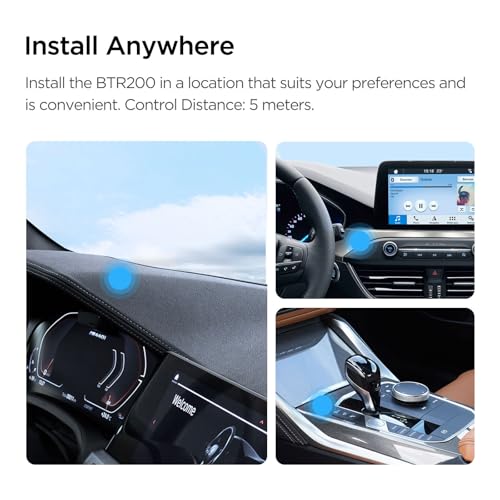
- Tiny and light at 10 g — sticks to the dashboard with 3M adhesive.
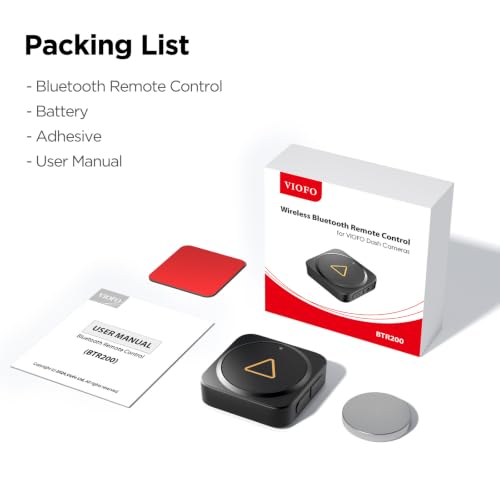
- Spare battery included — batteries are not rechargeable.
Why it stands out
What's in the box
When something happens on the road, the BTR200 lets you lock the clip with one press instead of fumbling for the camera. On the A229 Pro, A229 Plus and VS1, its side buttons also toggle the mic, Wi-Fi or HDR.
Which dashcams it works with
VIOFO says the BTR200 works with most VIOFO cameras that have Wi-Fi, and its custom side buttons work on the A229 Pro, A229 Plus, VS1, A139 and A139 Pro. On Dashcams.ae we pair it with the models below. Make sure your camera’s firmware is up to date.
 VIOFO A229 Plus 3 Channel Dashcam
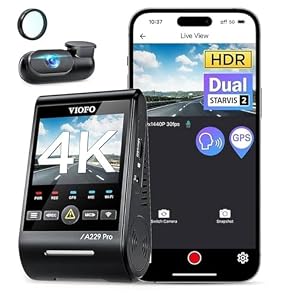 VIOFO A229 Pro 2 Channel 4K Dashcam
 VIOFO VS1 Mini 2K Dashcam
 VIOFO A119 Mini 2, 1 Channel Dashcam
4 dashcams on Dashcams.ae list this as a matching accessory.
What the remote does
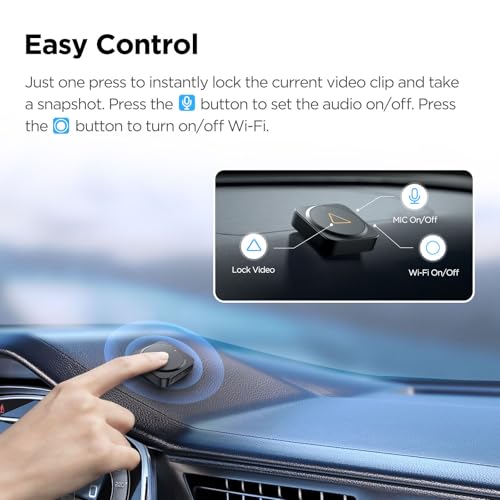
The main button saves and locks the clip being recorded, so the camera’s loop recording cannot overwrite it. That is the clip you will want for insurance or a police report.
On supported models, the two side buttons can be set to switch the microphone, Wi-Fi or HDR on and off.
- Lock the current clip
- Switch the microphone on or off (supported models)
- Toggle Wi-Fi or HDR (supported models)
Pairing and fitting
Power on the camera and hold the remote’s lock button for 3 seconds. The LED turns blue when it pairs. Then stick it to a clean, flat spot with the 3M pad.
The battery is not rechargeable; a spare comes in the box.
Hands-free driving in the UAE
UAE traffic rules penalise handling a phone or device while driving. A remote stuck where your hand already rests lets you save a clip with one press instead of reaching for the camera on the windscreen.
Pros, cons & verdict
Pros
- One-press event lock
- Custom side buttons on supported models
- Tiny 10 g design
- Spare battery included
Cons
- Battery is not rechargeable
- Side buttons work on some models only
Our verdict
One-press clip locking for VIOFO cameras, with shortcuts on the A229 and VS1
Cheap, tiny and easy to pair, the BTR200 makes saving evidence safer. The custom buttons are a bonus on supported models.
Who should buy it
Specifications
| Brand | VIOFO |
|---|---|
| Model | BTR200 |
| Connection | Bluetooth |
| Main button | Event lock |
| Side buttons | Custom: mic, Wi-Fi, HDR (A229 Pro, A229 Plus, VS1, A139, A139 Pro) |
| Weight | 10 g |
| Mounting | 3M adhesive |
| Battery | Replaceable, not rechargeable; spare included |
FAQ
Does the BTR200 work with the A119 Mini 2?
How do I pair it?
Specification: VIOFO BTR200 Bluetooth Remote
|